Update k8s definition files
There is a stage in the CI/CD configuration file (.gitlab-ci.yml) called staging that calls a script (update_code.sh) that edits all of the generic workshop yaml definitions and makes them specific for your deployment. For instance, it changes the namespace from USER-sandbox to have your username. It also does some base64 encoding using the CI/CD variables you created and adds them to k8s secret configuration files.
Just like with the registry load, we are going to create a new branch to trigger this pipeline stage. Select Code then Branches. Select the New branch button, give it a name of staging and select Create branch.
Select Build then Pipelines to see the pipeline. Select the Status link to see the job and select the update_code link to view the job results.
To view the changes, select Code then Repository. By default, you will be viewing the main branch. Select the branch down arrow next to main and choose the staging branch.
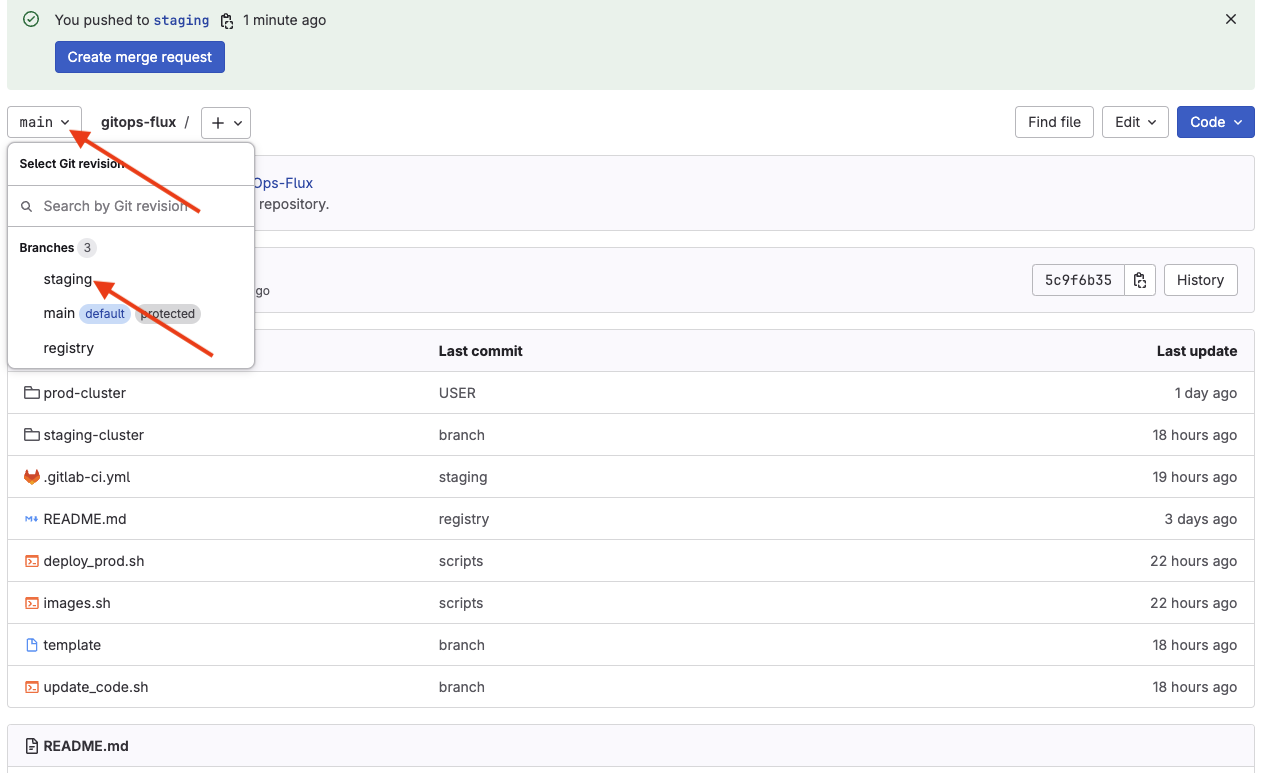
Select the staging-cluster folder and review the files to see the changes made. You can toggle back and forth from the staging branch to the main branch to see the original contents.