Create kubernetes objects for Flux
There are two special k8s objects that binds our git repository with Flux CD. The first one is of type GitRepository where we define our repository and credentials for the repository. The second is of type Kustomization which references the repository and defines the specific location for the application deployment files.
Navigate back to Gitlab to the staging-cluster directory and make sure you are in the staging branch. Copy the gitrepository.yaml to your clipboard.
Switch back to the OpenShift window select the + button in the upper right again to add content. Paste the content and select the Create button.
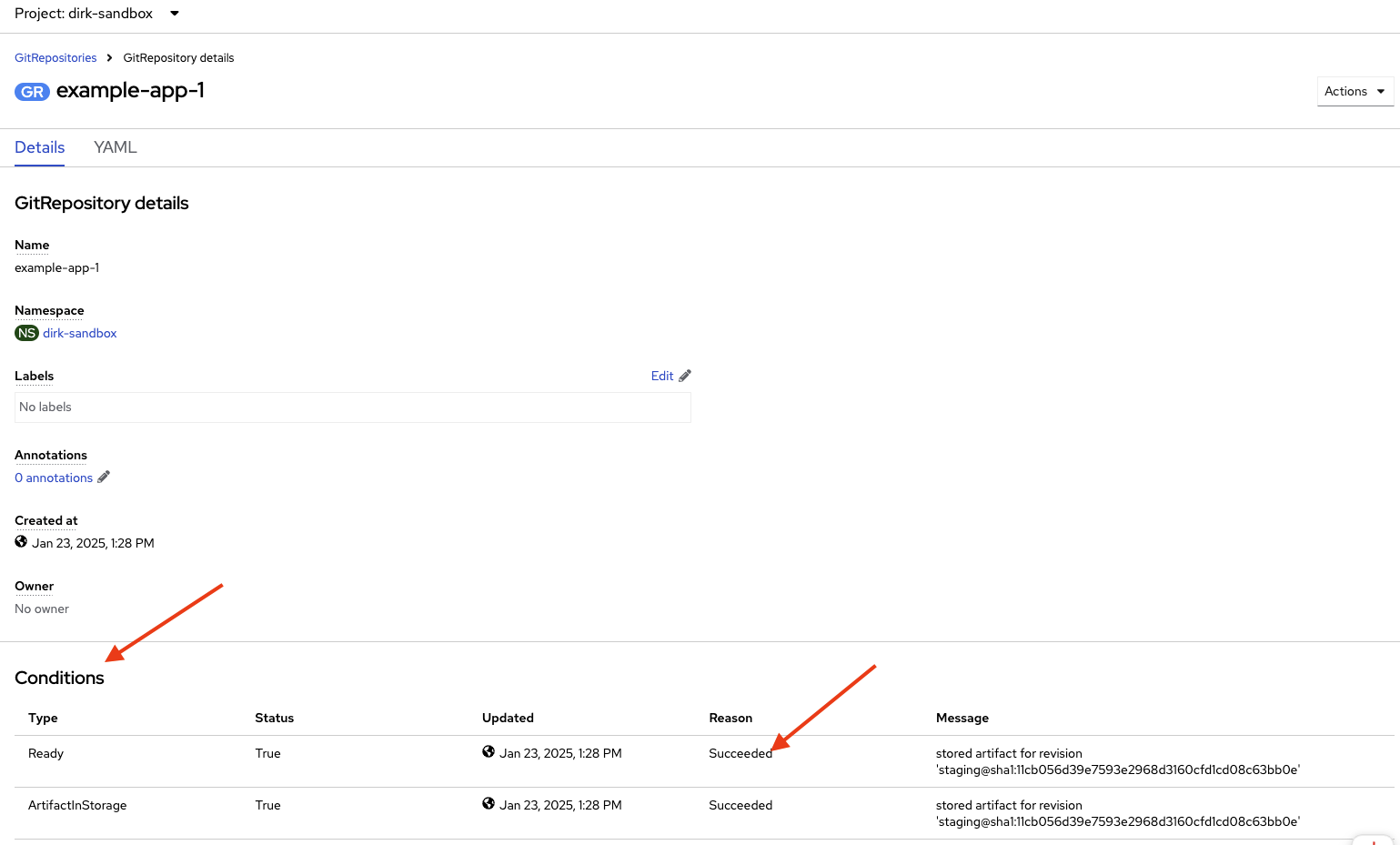
Watch the bottom of the screen under the Conditions section for the Reason column to turn Succeeded.
Head back to Gitlab and repeat the process for kustomization.yaml within OpenShift.