Kubernetes secret for Gitlab access
In the staging-cluster folder select the flux-secret.yaml file to review the file. Note that the namespace: is now our OpenShift namespace. In the data: section the password: field has been updated to a base64 encoded value of your ACCESS_TOKEN variable and the username is now a base64 encoded value of your username.
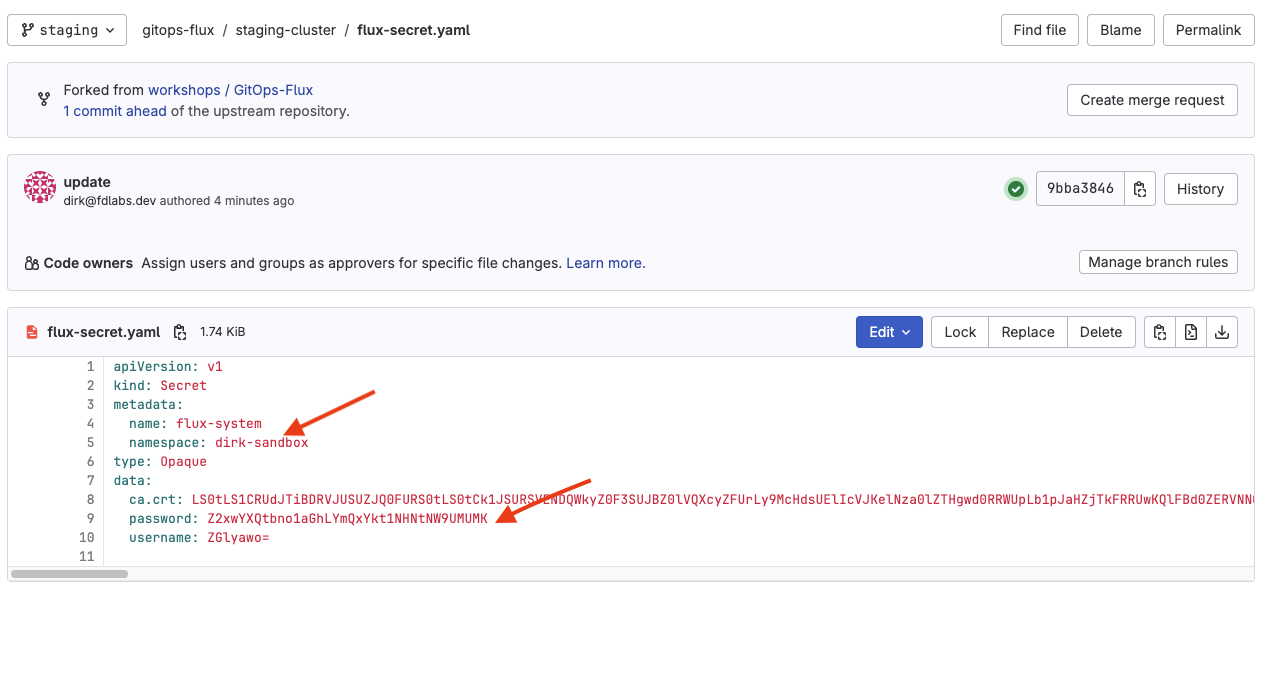
After reviewing the changes, copy the contents of the entire file into your clipboard.
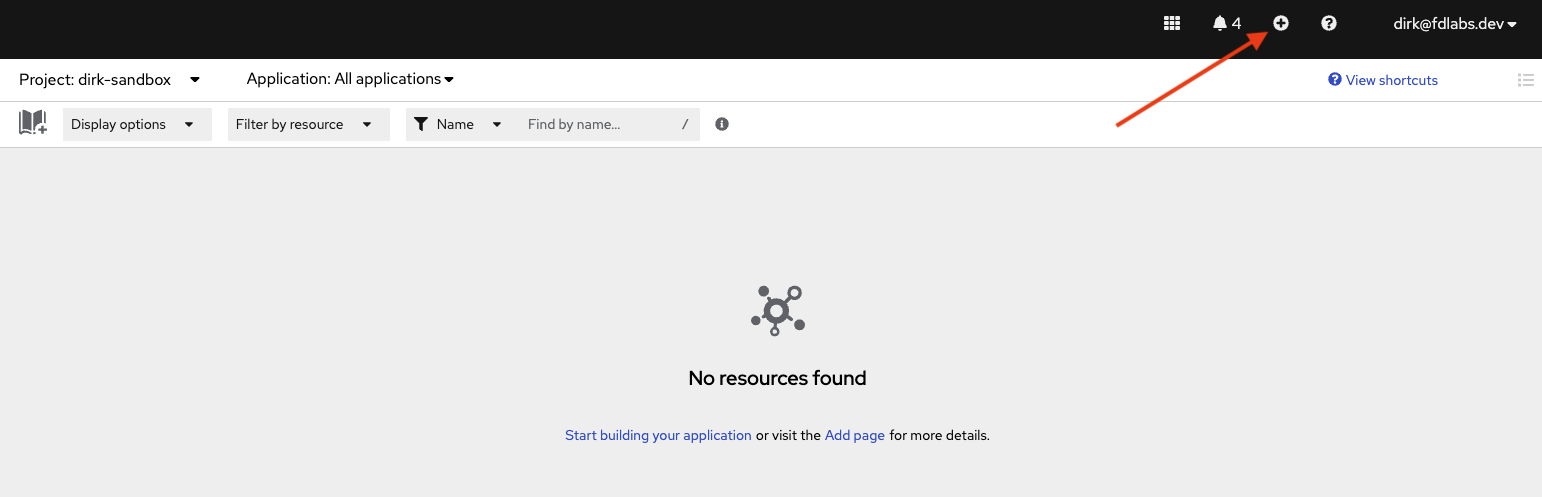
Switch back to the OpenShift console. We are ready to create our first k8s object. Select the + button in the upper right corner two items to the left of your username.
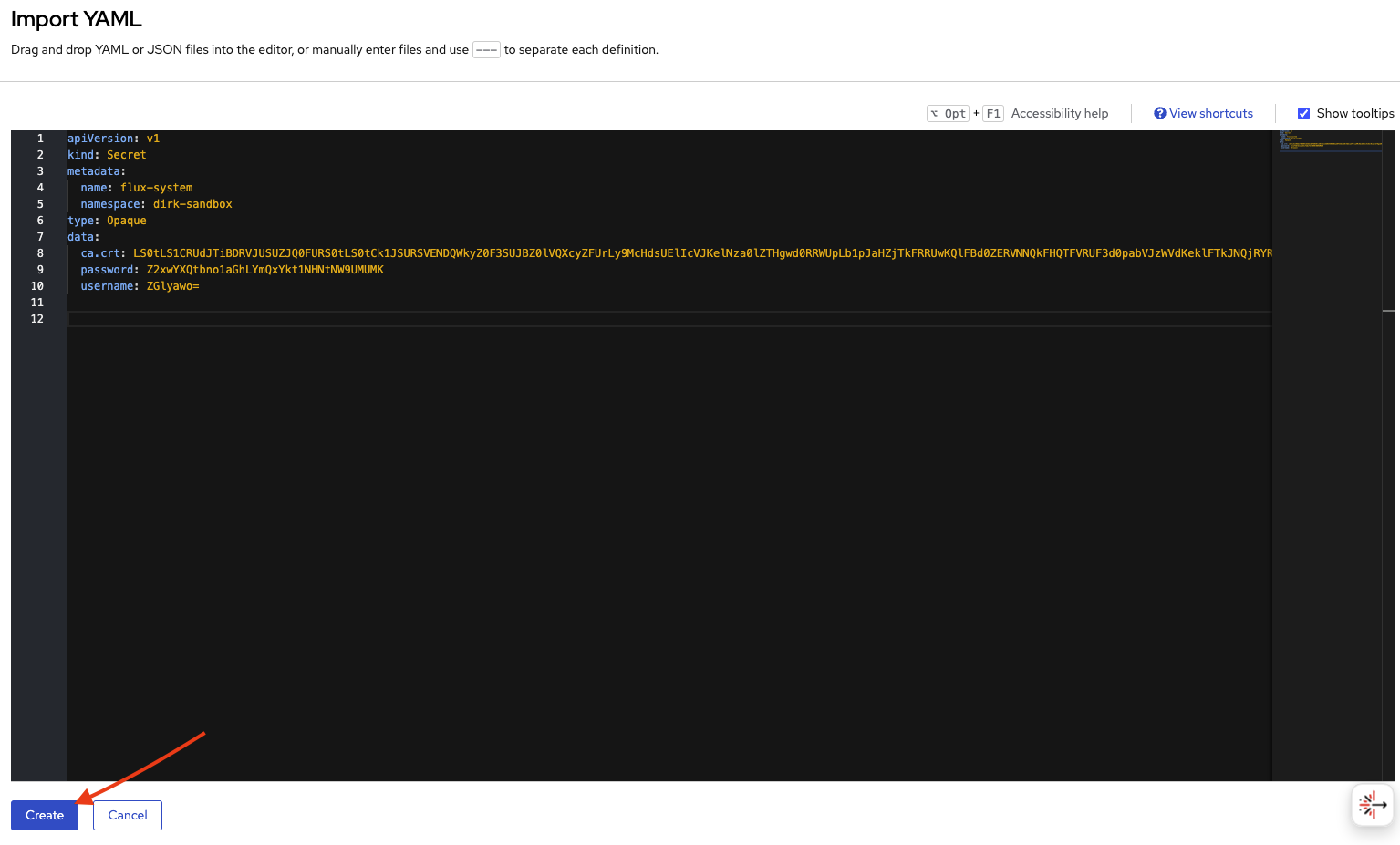
 On line 1 paste the contents of the secret and select the Create button on the bottom of the page.
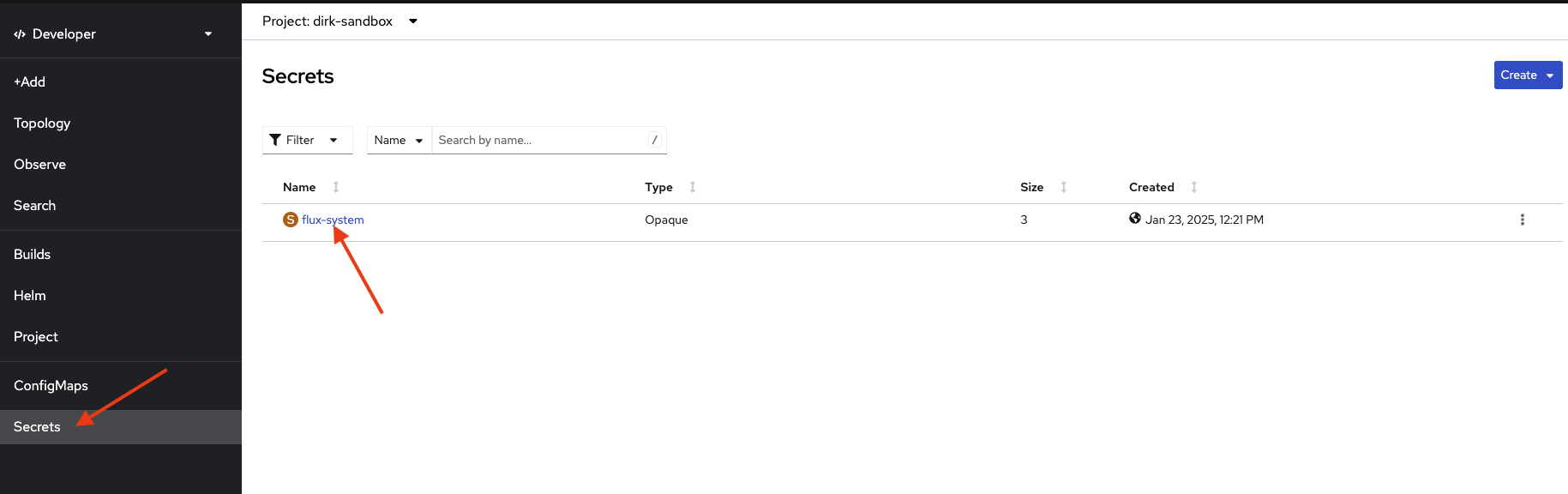
 In the menu on the left, select Secrets. Verify that your secret exists. You will also see a secret for our CA cert that was created when the namespace was created. Select the hyperlink of the secret name and explore the secret values