Node Failure
In the previous step we showed how a container can be restarted if the application running inside it crashes. What happens if there’s an OS issue or hardware failure on the node hosting the application causing the actual pod to fail in a way that is not recoverable?
In this case the replication controller will deploy an entirely new pod, potentially to a new node.
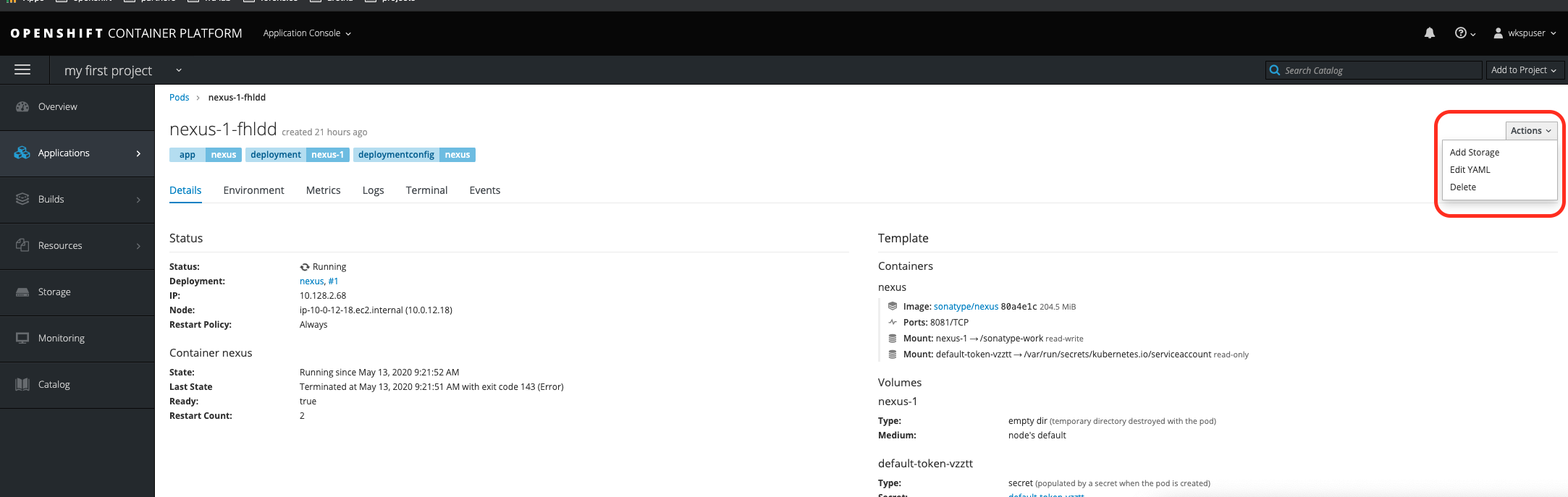
Let’s emulate this by deleting a pod. Click the actions drop-down then select “delete”.
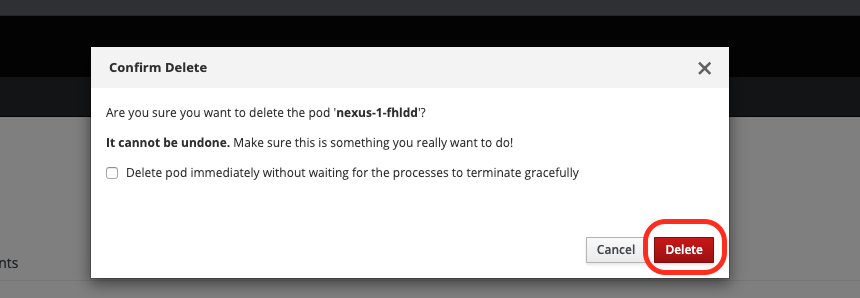
Make sure you click delete on the pop up window to confirm that you want to delete the pod.
You’ll be redirected back to the pod browsing screen. If this happens quickly enough you may see the old pod being deleted and the new pod being started but this process typically only takes a couple seconds and is easy to miss. In any case you’ll soon see a new pod is running with a new “Name” and an Age reflecting the fact it was just started.

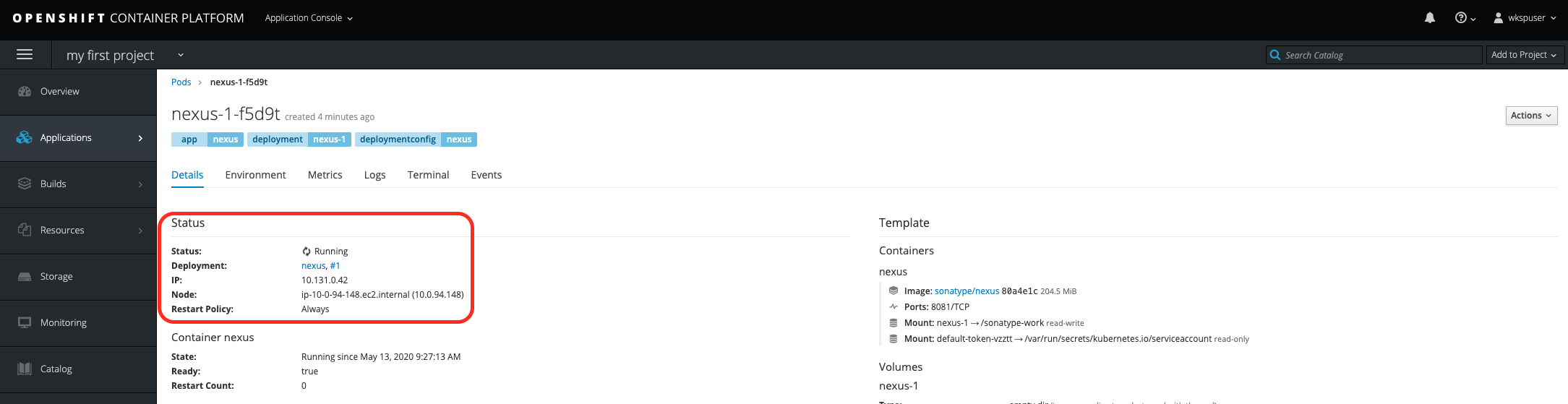
If you click on the name of the new pod to view details about it you may notice that it was been deployed to a different node than before.