Application State and Lifecycle
Let’s browse back to our Nexus application at https://nexus--workspace.apps.aegis-core.fdlabs.dev/nexus/.
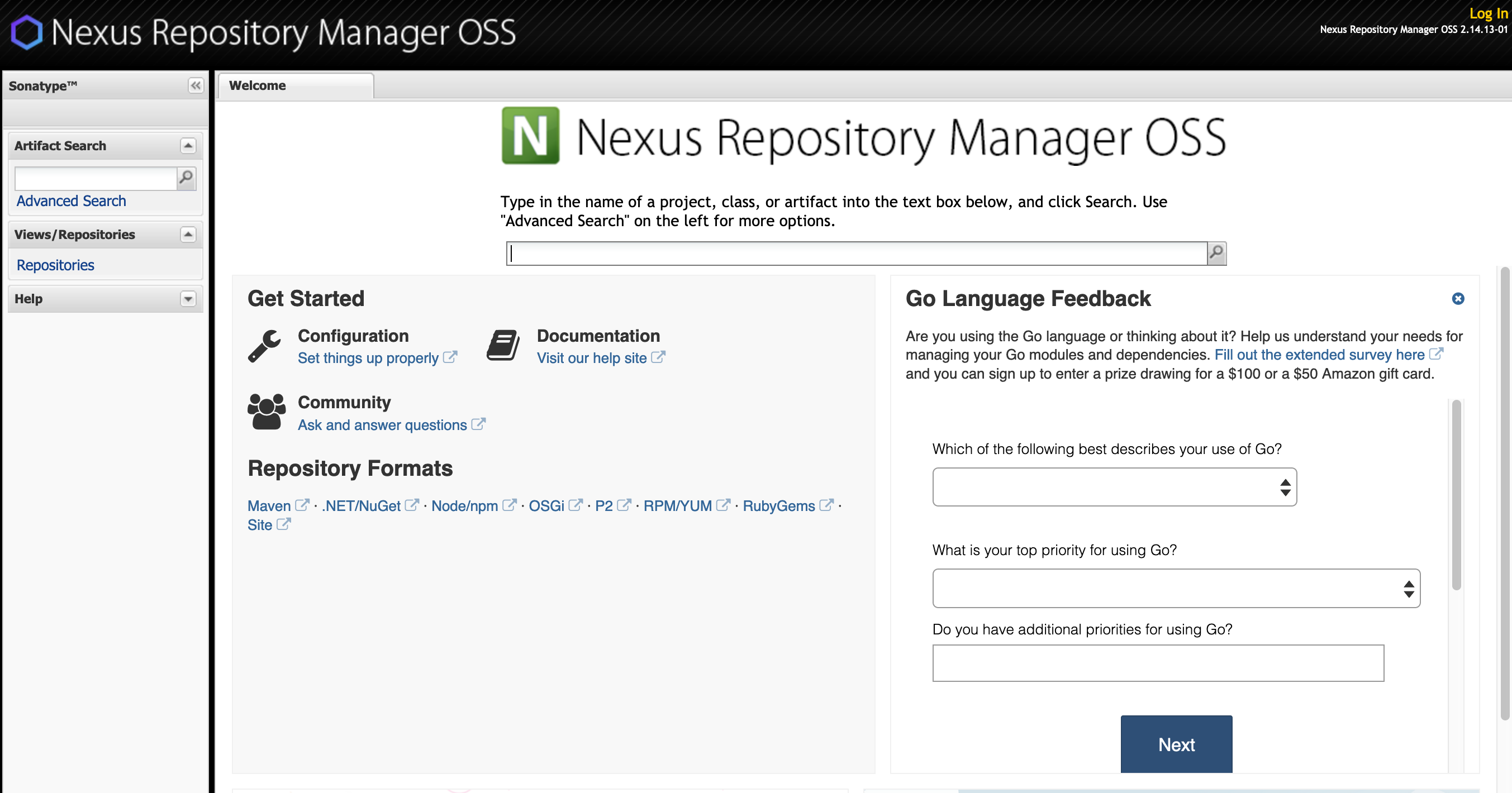
Our application is still there and, despite all the crashes and pod rebuilds we just caused it seems relatively unharmed.
Now click on the “Repositories” button on the left hand menu to view a list of repositories.
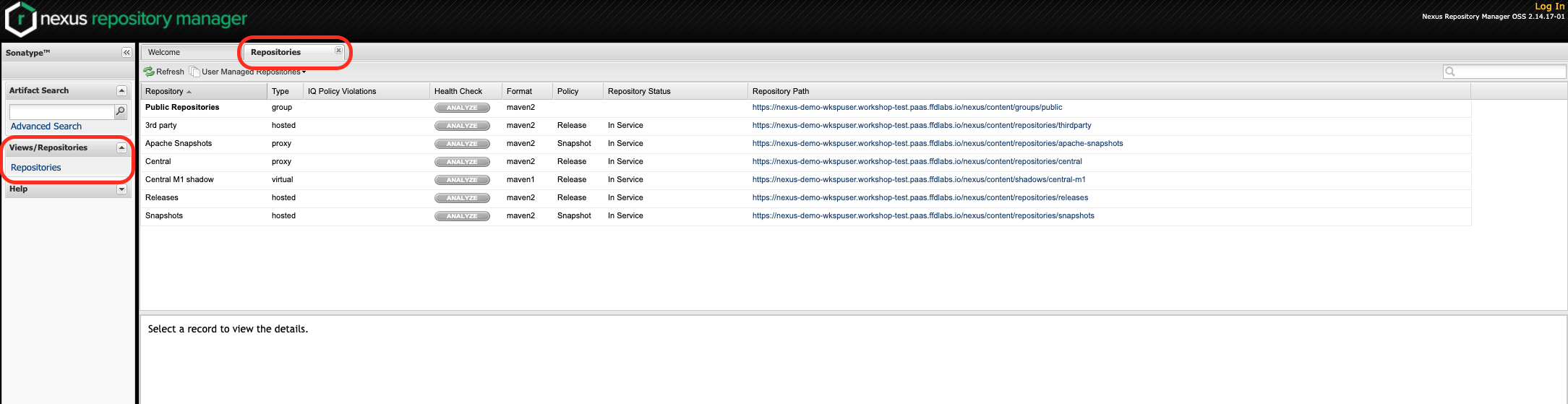
Look at the list of repositories and recall back to the end of Lab #2 when we created a new repository.
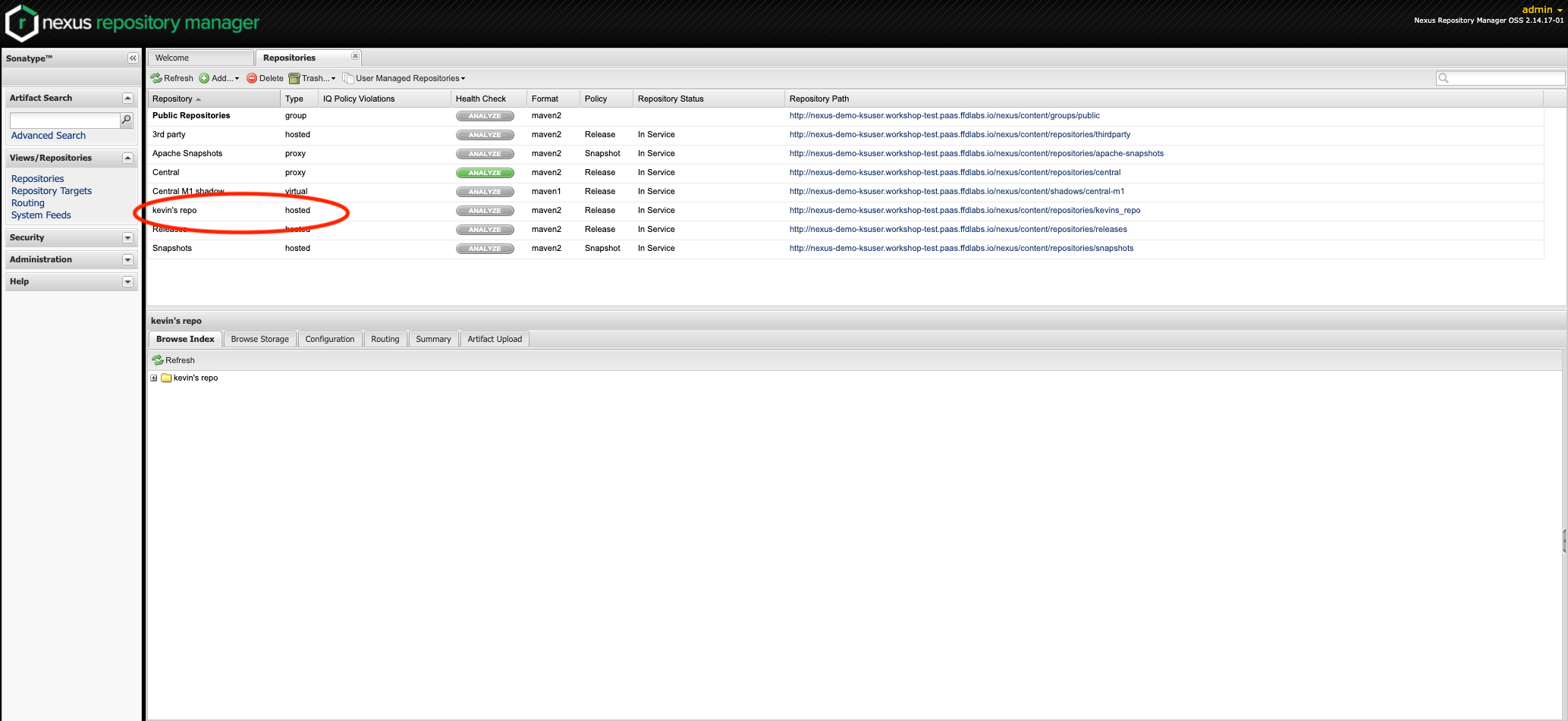
You’ll notice that repository we created is gone! This is because our application data was all tied to our pod, when the pod was destroyed all our data was destroyed along with it. When the new pod was deployed it was deployed without any of the state information tied to the previous pod.
In order to prevent our applicaitons from being compeltely reset to their initial state every time they are re-deployed we need some way to persist data outside of our pod. Which leads to our next lab…