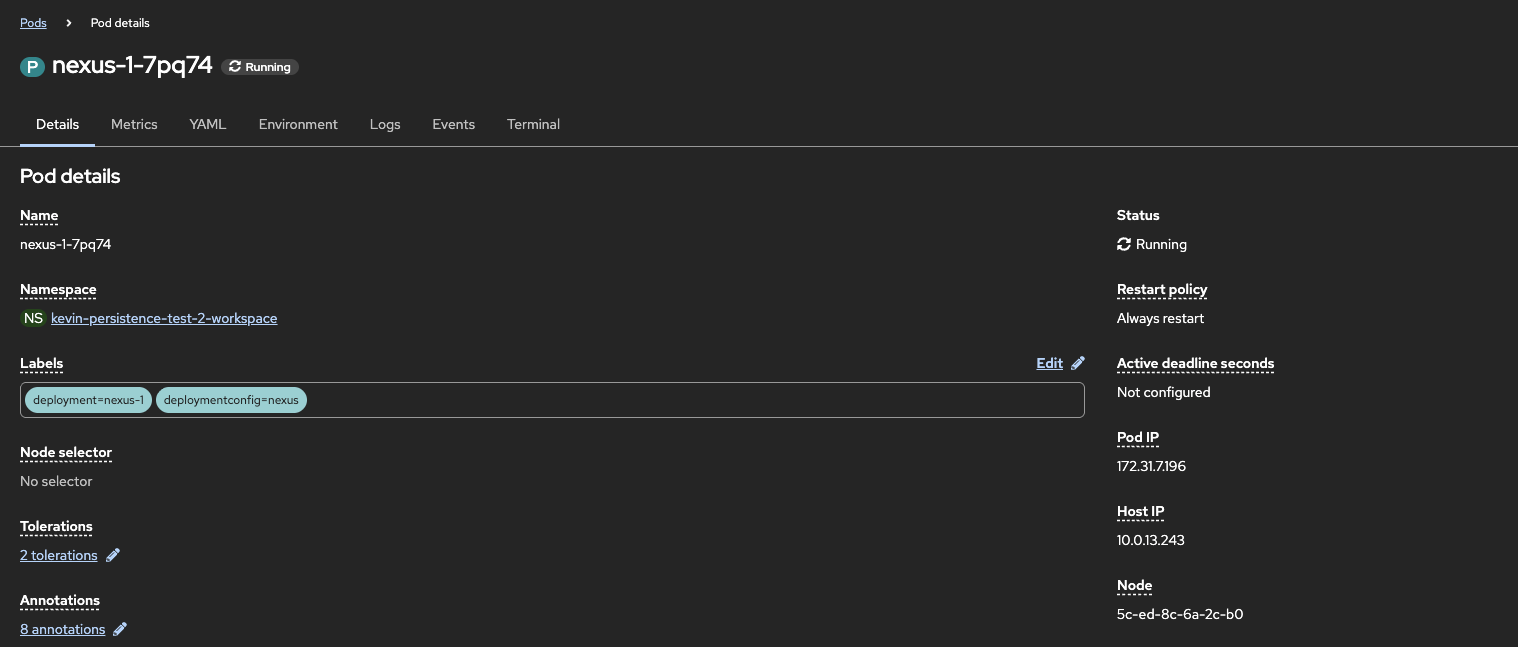
Application Health
Kubernetes monitors your pods and the containers inside those pods. Let’s take a look at the information we can access.
The topology overview screen is available at https://console-openshift-console.apps.aegis-core.fdlabs.dev/topology/ns/-workspace and provides a good deal of information at a glance.
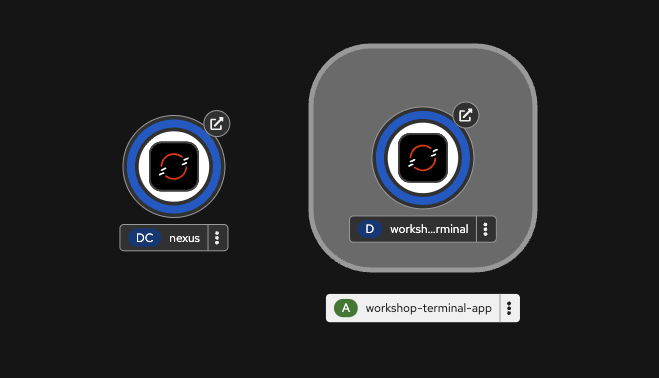
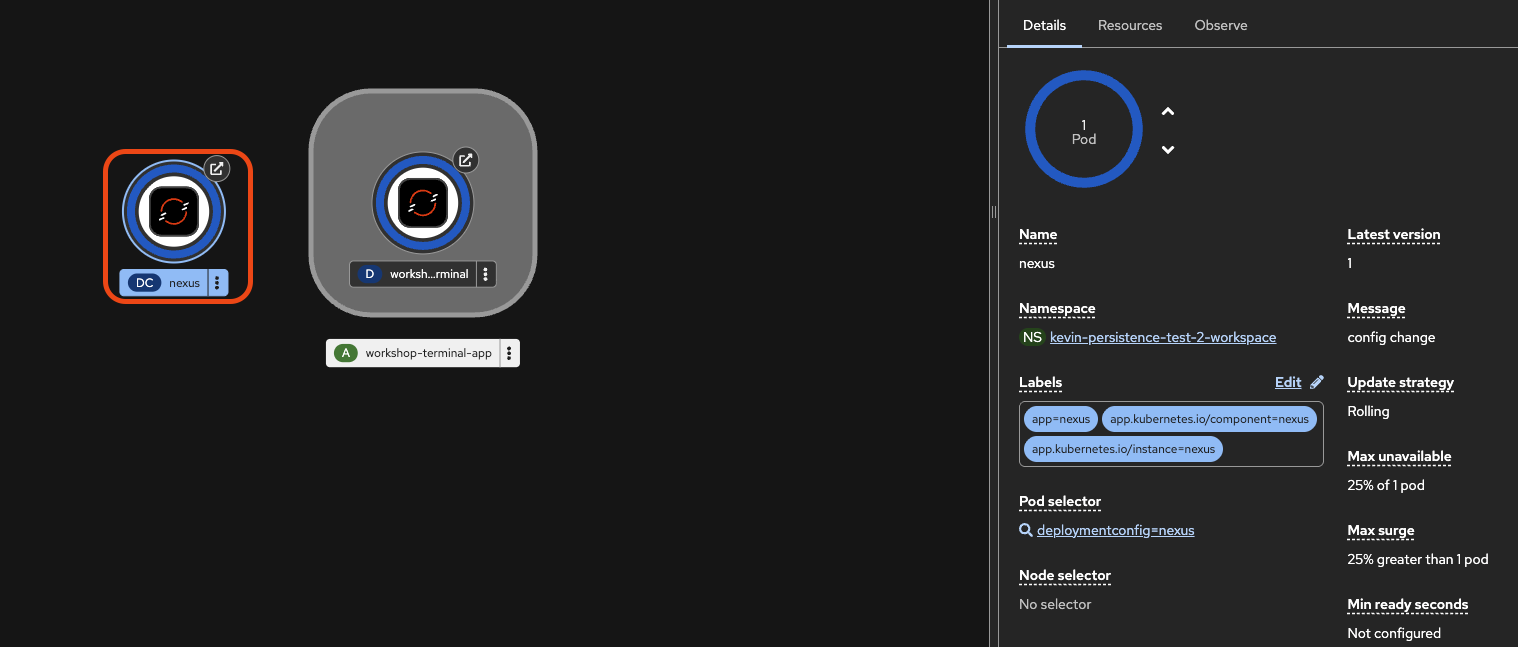
Start by expanding the deployment information box by clicking the nexus deployment. This will expand the information view and give us a high level view of key information such as:
- The version of the deployment
- The number of pods running
- Description of resources
Open the resources tab and click the Pod name to view further details about the running pod:
- Volume mounts
- The IP and hostname for the machine the pod is running on
- Detailed status information
From here you can also view Logs from the running application and even connect directly to a running terminal, more on that in the next step.