Crash Recovery
Let’s test an application crash scenario.
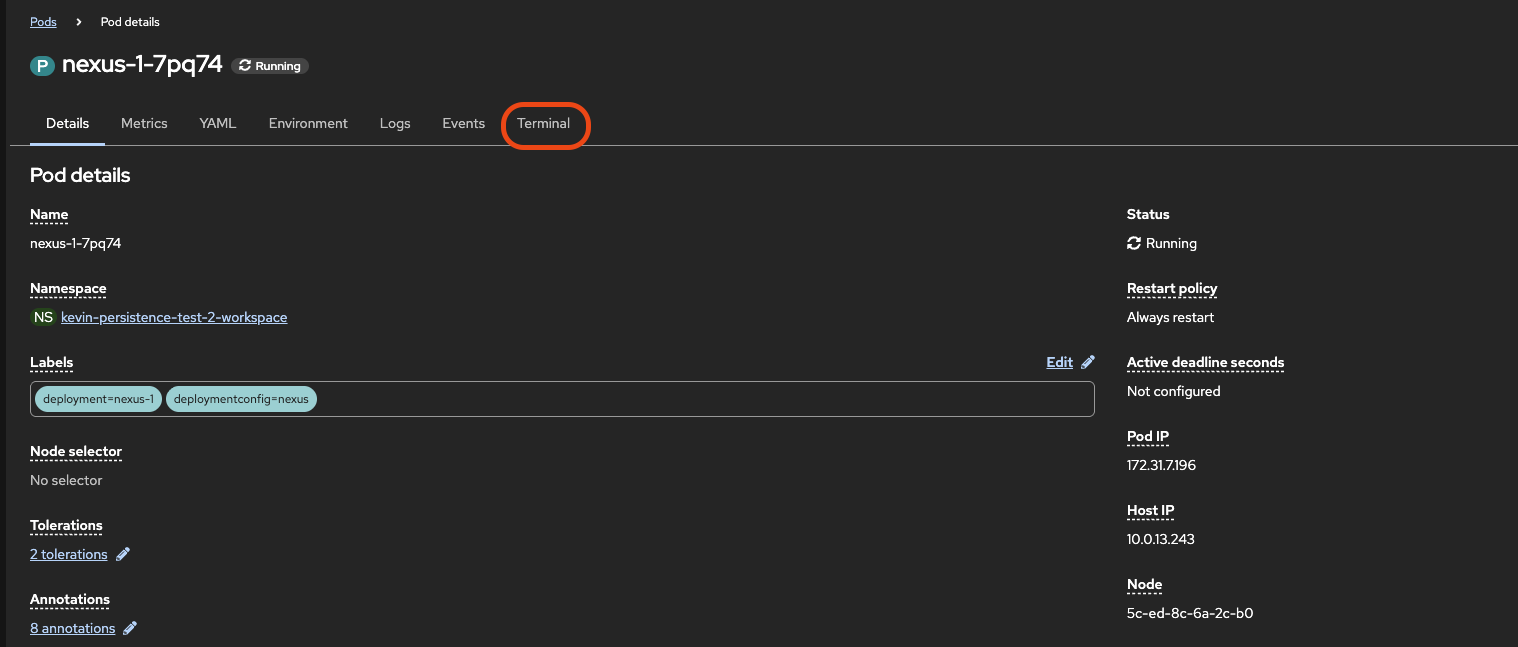
Click on the “Terminal” tab to connect to a running shell in your pod.
Run the ps x command to get a list of processes. You’ll notice a java process is running, this is our actual Nexus server.
Now run kill 1 to force that java process to quit. This emulates what could happen in the case of a hard crash of our application. You should notice in a couple of seconds that your terminal stops accepting input and a warning pops up on your screen.
Click on the Details tab and, if you’re quick enough, you may see the Status change to reflect the pod restarting. In any case you should now notice a couple interesting things:
- the “Restart Count” on our container has gone up by 1
- the Last State now reflects the fact that the app crashed just a minute ago
- we’re still running on the same Node, this is because our container was restarted without re-deploying the entire pod
