Application State and Lifecycle - Revisited
Our volume is simply presented within the pod like any other mount. For example, open a terminal back into your pod and run the following
You’ll see a line that says something along the lines of the following
Let’s test it out
Now we’ll browse back over to our Nexus console at https://nexus--workspace.apps.aegis-core.fdlabs.dev/nexus/ and repeat the steps from Lab 3 to create a new hosted repository.
In case you forgot…
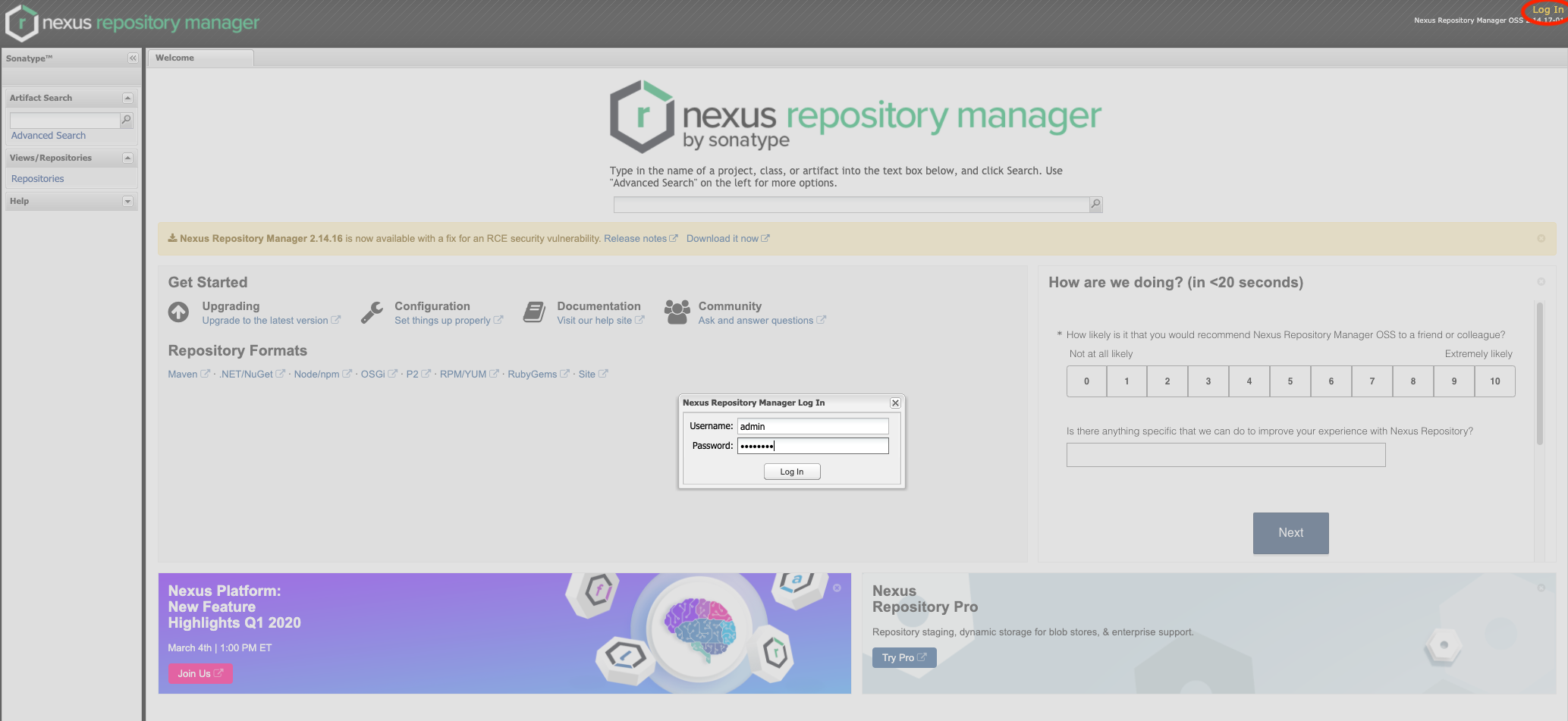
Log in, the default username is admin and the password is admin123.
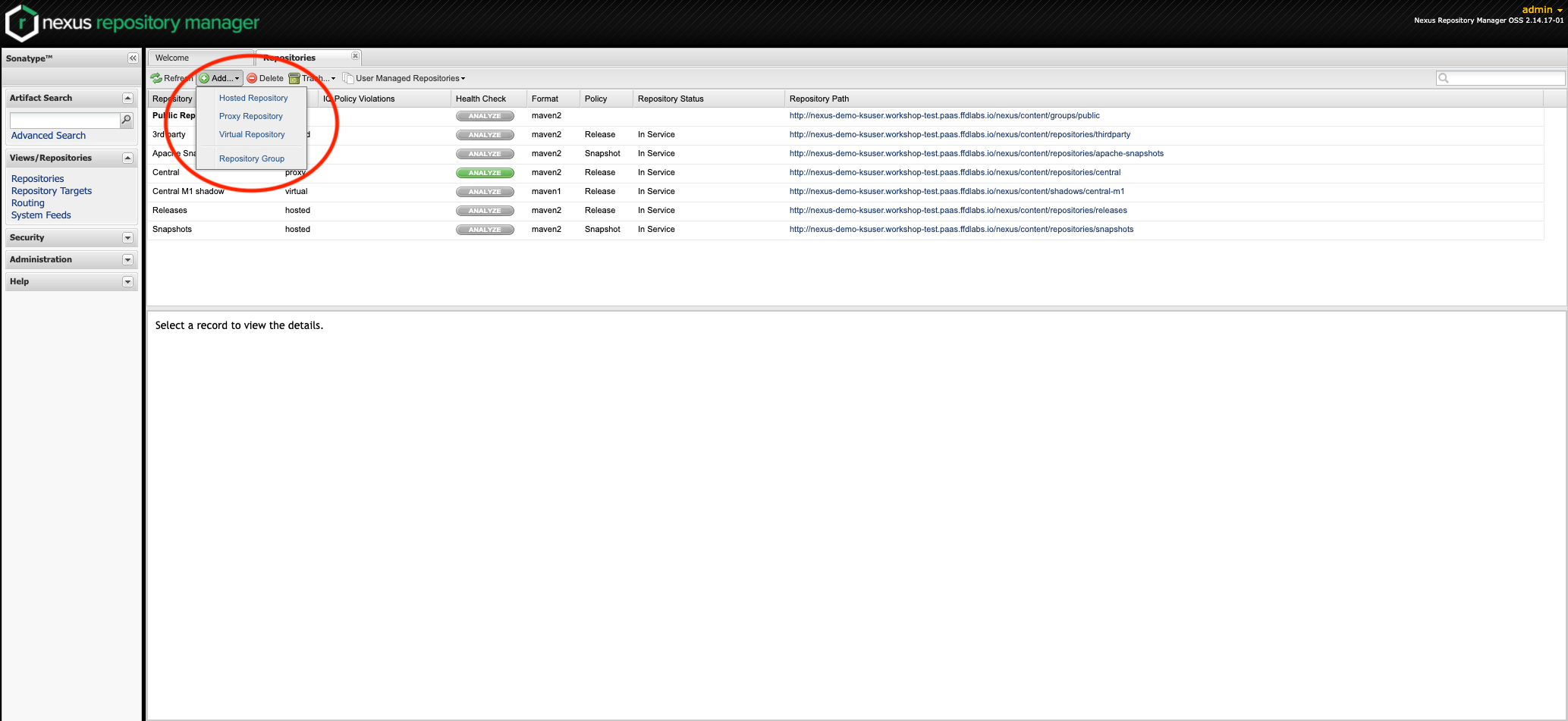
Click on Repositories then add a new Hosted Repository
Assign the repo an ID and Name then click Save. You should now see your new repo in the list.
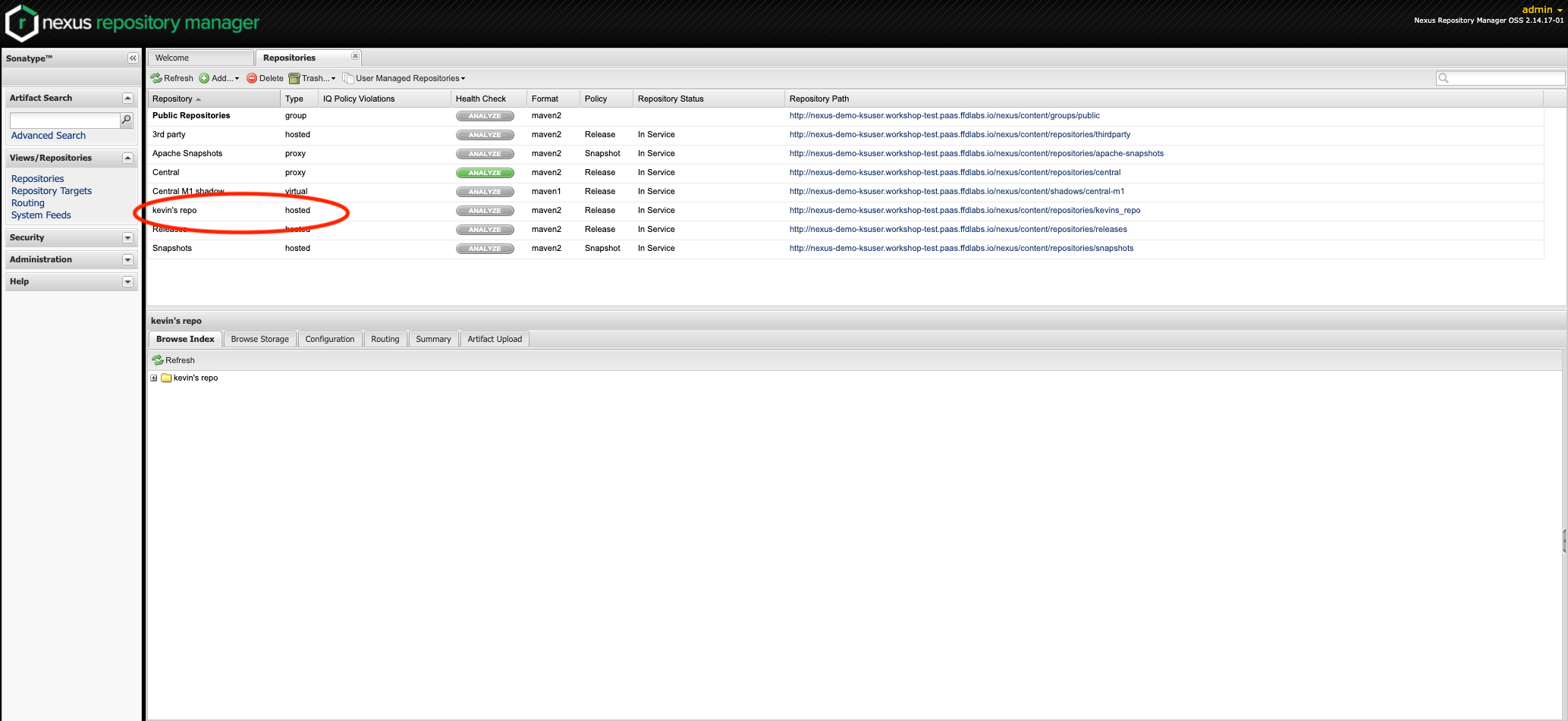
Now browse back over to the Nexus console and verify your repository still exists.