Update Application
In the Gitlab browser, navigate back to the repository ensuring that you are still in the staging branch. Select the staging-cluster folder and then the deploy folder. Select the deployment.yaml file to edit it.
Select the blue Edit selection button. Select Edit single file.
Search for the image: line and change the image tag from 5.0.9 to 5.0.10. Commit the changes.
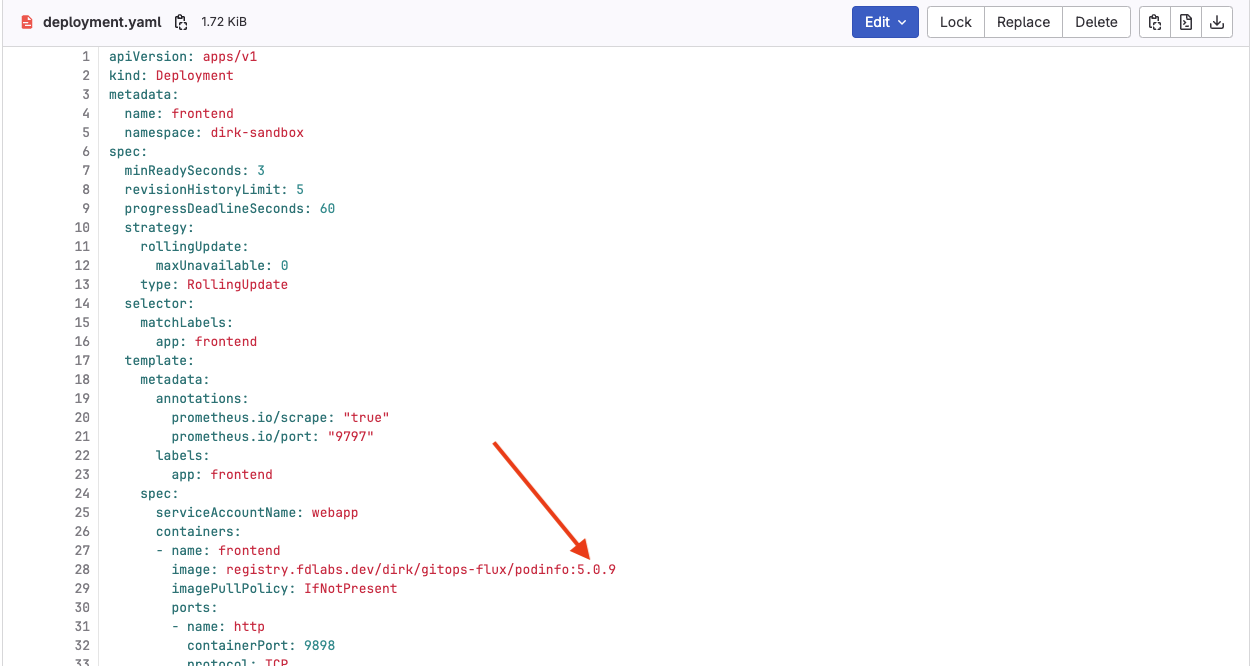
When complete select the Commit changes button and review the comment in the commit changes box and select Commit changes.
Navigate back to OpenShift select Topology. If you are quick enough you should see the old pod terminating after the new pod is brought online.
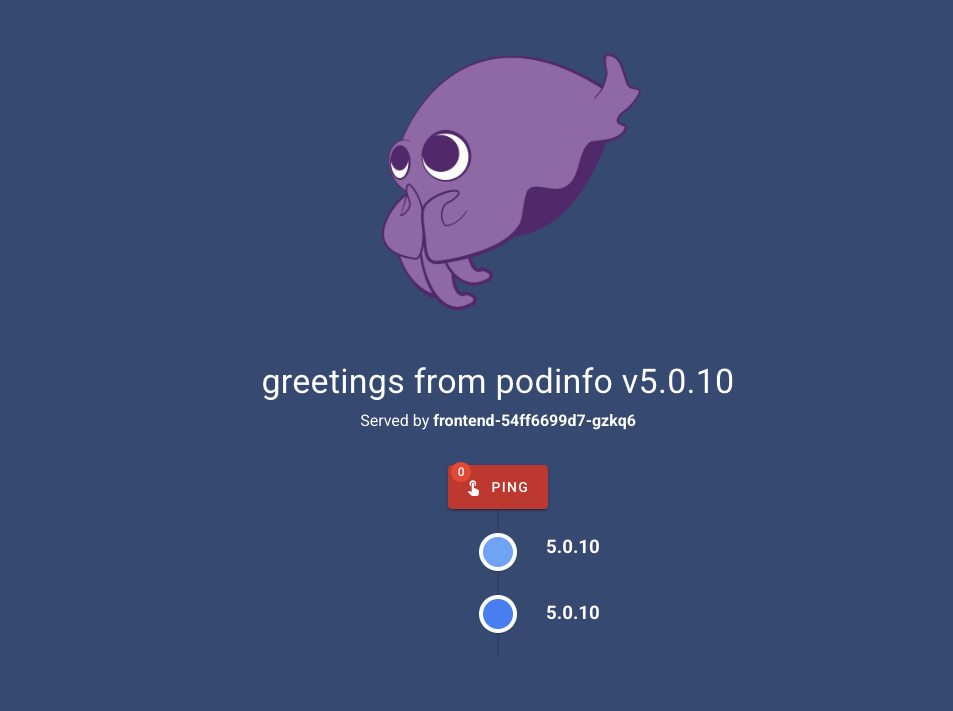
Select Observe from the left side menu and then select Events. You should see the changes there. Refresh the browser for the application tab and you should now see the new container image running with the 5.0.10 tag.
Updates being push automatically in a test/staging environment can be useful, but it might not be what you want in Production. Next, we’ll use a different strategy to deploy our application to production.