Access Gitlab
After signing into Active Directory you will see the screen below to complete the gitlab sign in.
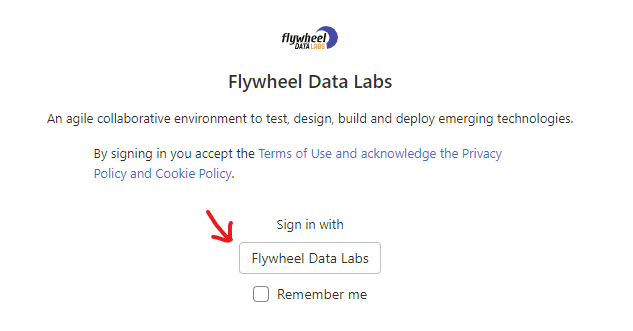
Select the Sign in with Flywheel Data Labs button.
If you don not see the screen above, select this link to navigate back to gitlab: https://gitlab.fdlabs.dev
After signing in you will be presented with several workshop repos. Select the hyperlink for workshops/GitOps-Flux to enter the repo. You can select the X button to remove the ssh key and terraform warning messages.