Setup for the Ansible 101 Workshop
In this lab we’ll get connected to the Flywheel Data lab environment and walk through the premise for the workshop. This is typically the hardest part of the workshop, if we can make it through this then it’s all smooth sailing!
How it works
The lab is in a private enclave which is not directly accessible over the Internet. Workshop attendees can connect to specific services using a secure proxy with access controlled by Azure Active Directory.
In fact, all the components we’ll connect to over the course of the lab are controlled using Azure Active Directory. You should only need to authenticate once, from there on out your credentials will be shared by all the lab services you use.
Your active directory username is userid@fdlabs.dev and your password will be provided by the folks running the workshop.
Browse to https://coder.apps.paas.fdlabs.dev/ and you’ll be presented with the Active Directory login screen.
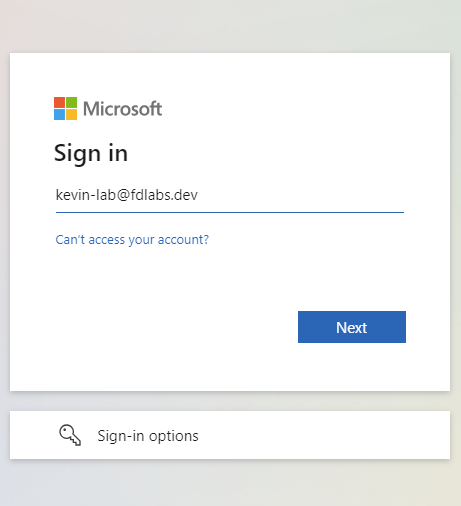
If you have used your device to login to another Active Directory, it is probably best to use incognito mode for your browser windows.
After entering your credentials, you will be forced to change your password. After changing the password select Yes to stay signed in.
Info
We strongly recommend you open all the links in the following sections in separate tabs and keep them open for the entirety of the workshop.