Coder Workspace
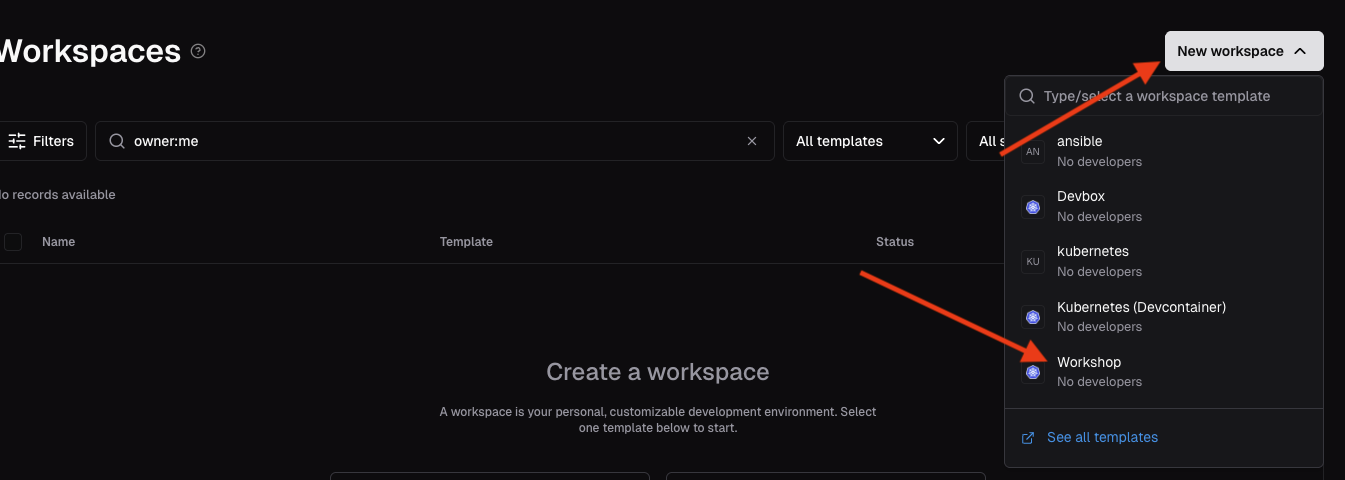
In the upper right corner, select the New workspace pulldown menu and select the Workshop template from the list.
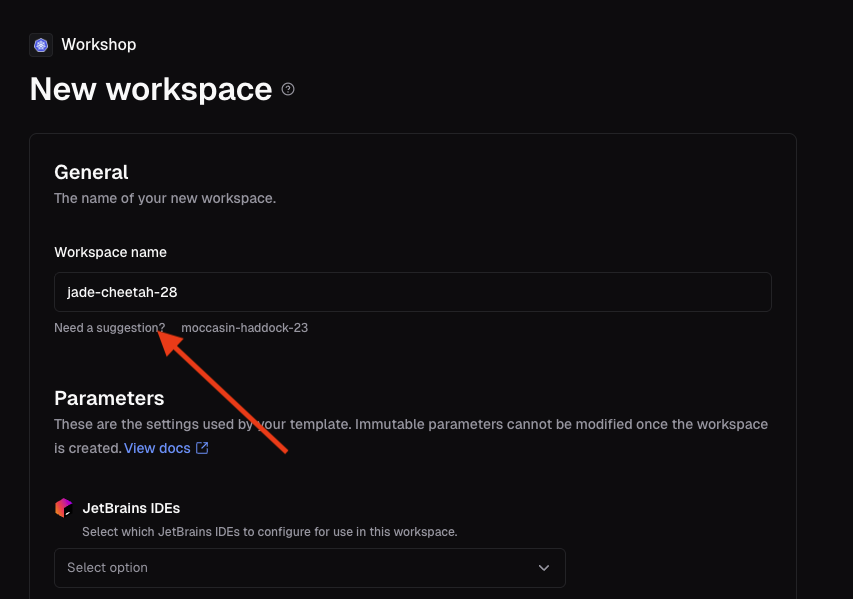
In the Workspace name field, either enter a name (such as your username), or select the name next to the Need a suggestion? link.
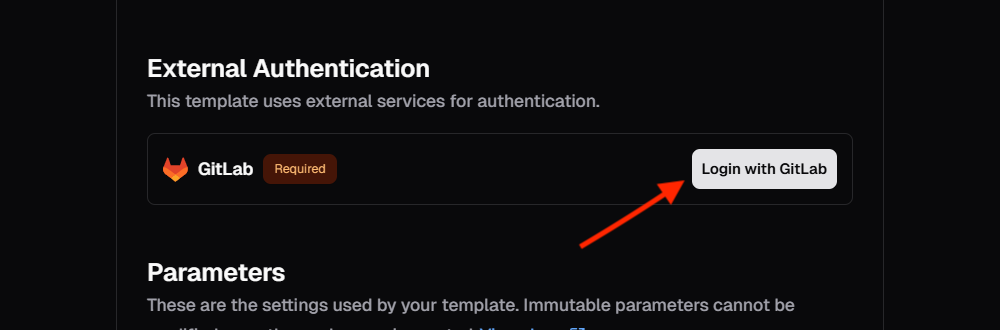
Select the Login with Gitlab button and it will do a single-sign-on to our Gitlab server to pull content from our repository to the coder container.
If it prompts you to login, select the FDlabs button
This will pop-up a screen and you need to select Authorize Coder
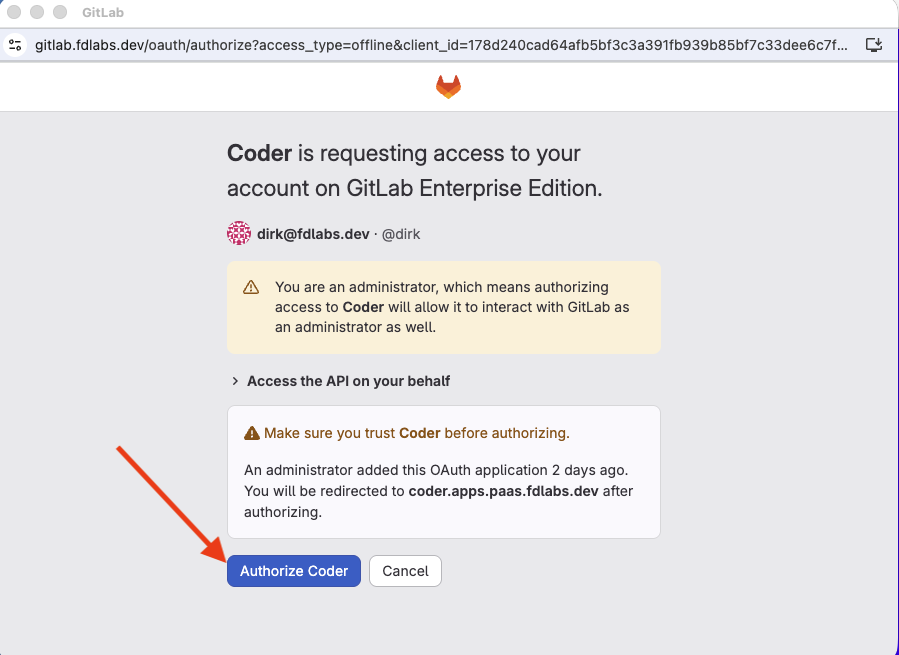
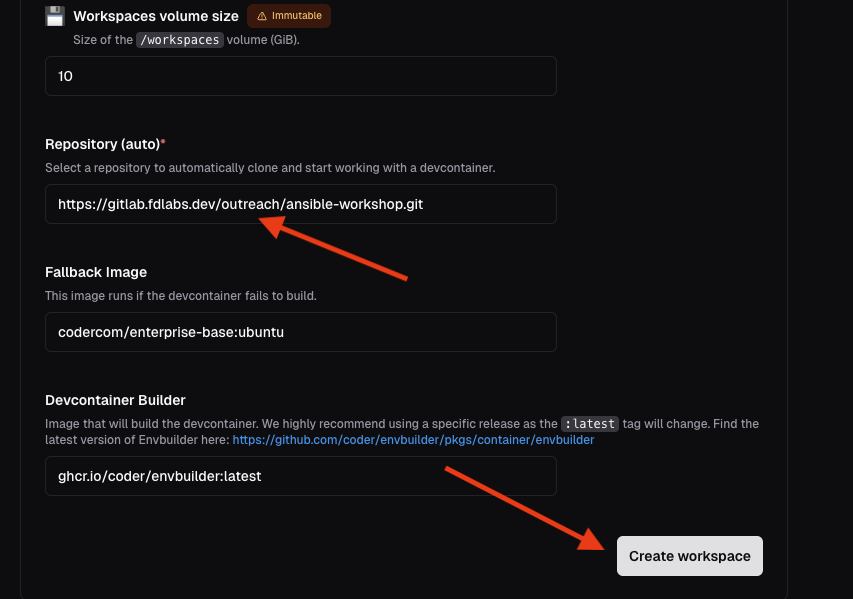
Close the window after it succeeds, then scroll down to find the Repository field field and paste in the following value:
https://gitlab.fdlabs.dev/outreach/ansible-workshop.git
then select the Create workspace button at the bottom.