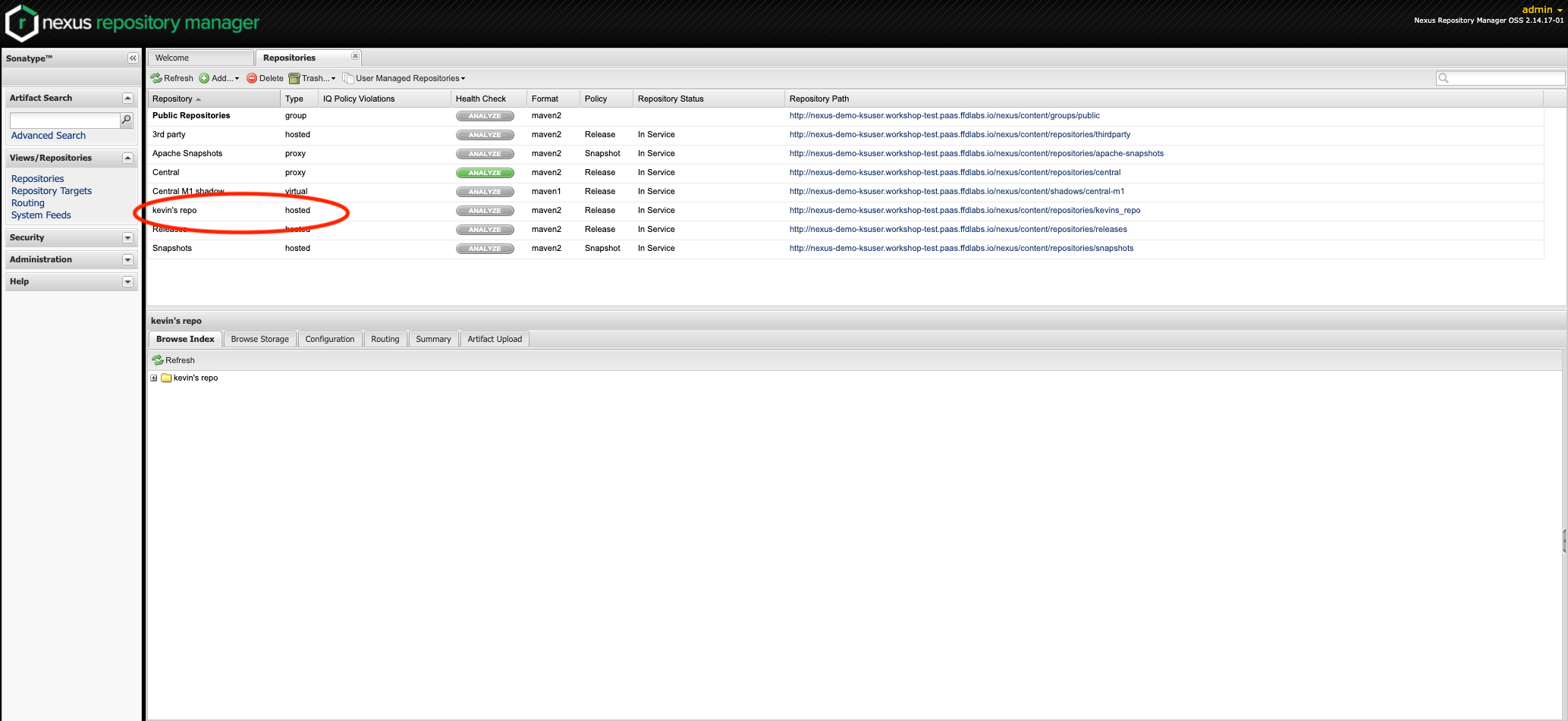
We're now ready to use our application
Notice that in the web console overview, you now have a URL in the service box. You can get to your app by clicking the route you just exposed.
Click the link in the service box. You should see:
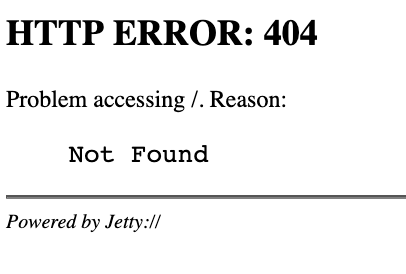
Good work - this error is expected; since the nexus console is on /nexus
Go to URL: https://nexus--workspace.apps.aegis-core.fdlabs.dev/nexus/ to get the Nexus console.
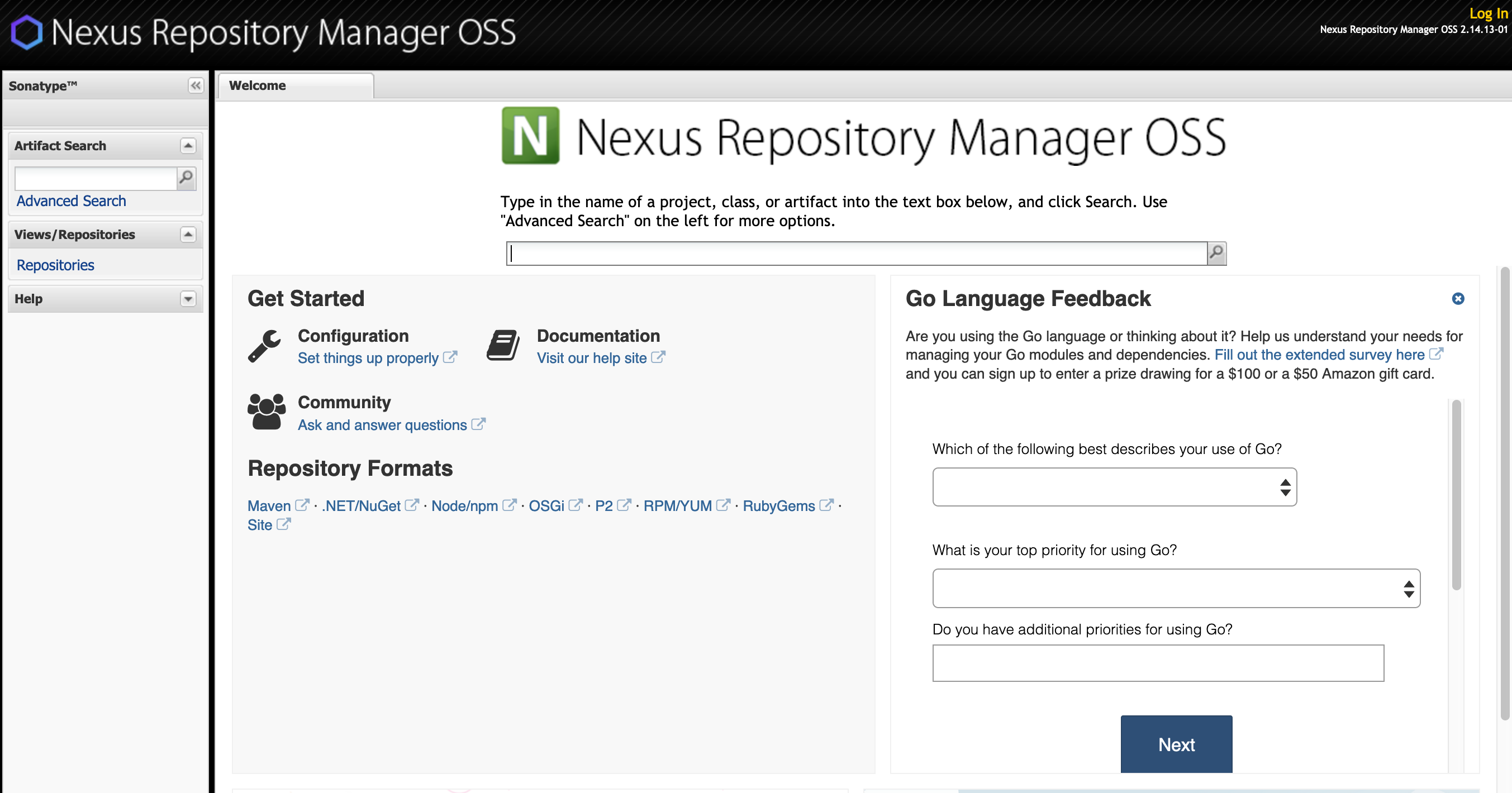
Let’s add a repository, we’ll use this later.
Log in, the default username is admin and the password is admin123.
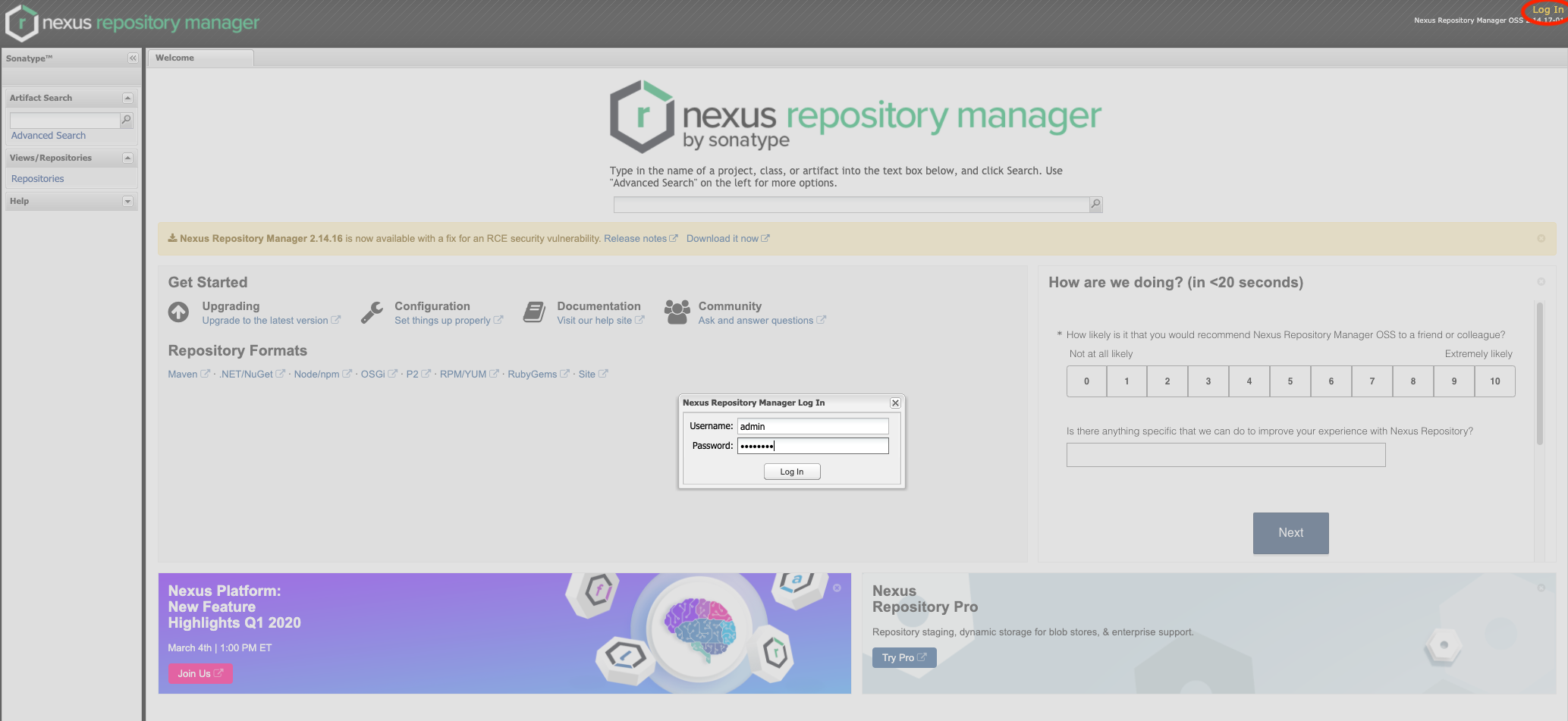
Click on Repositories then add a new Hosted Repository
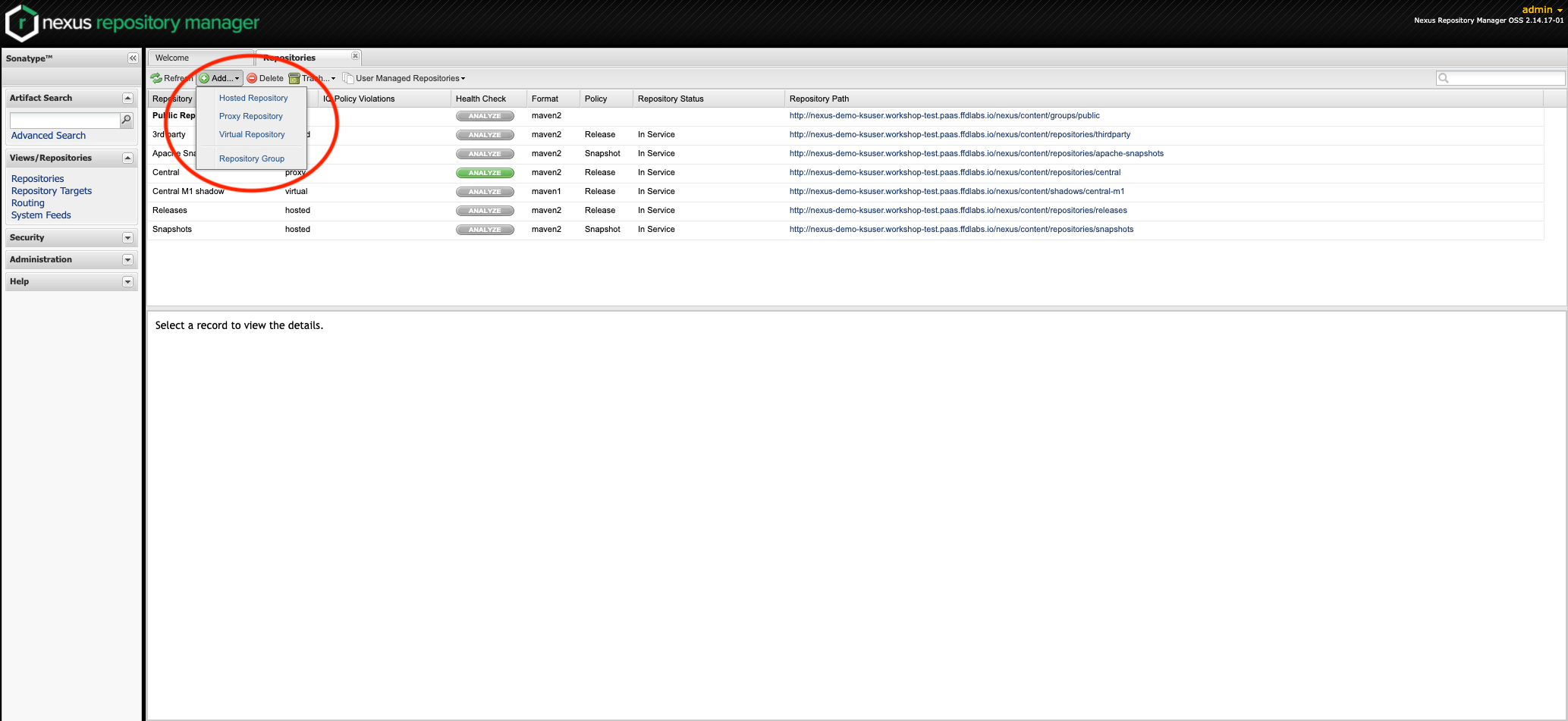
Assign the repo an ID and Name then click Save. You should now see your new repo in the list.