Opening up Openshift
We use Redhat Openshift as our kubernetes environment. This provides a nice user interface in addition to a suite of enterprise security and application development features. That said the runner deployment we are going to perform in this portion of the workshop can be done on any kubernetes environment.
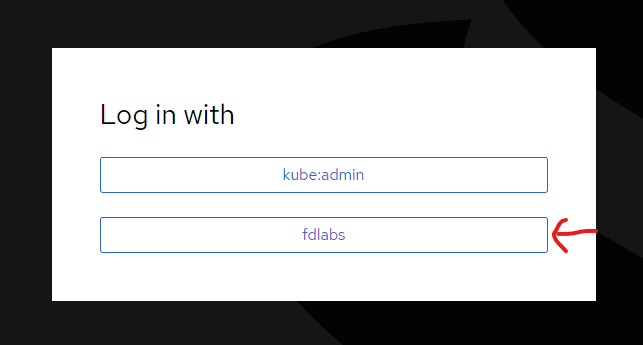
Browse to https://console-openshift-console.apps.paas.fdlabs.dev/ and log in with “fdlabs”
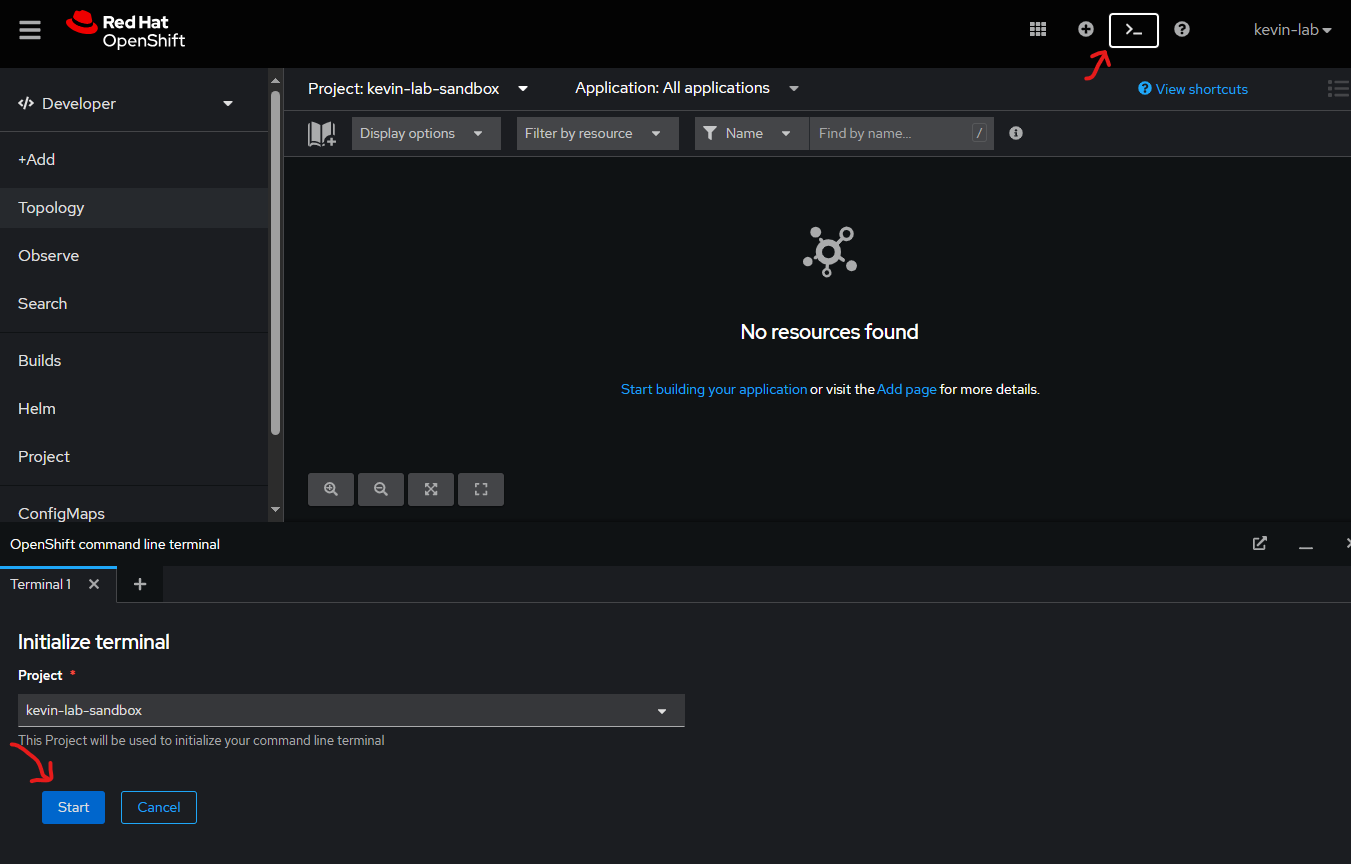
Then click on the integrated web terminal button to open up a new terminal. You can keep all the defaults and click the start button to initialize the terminal.
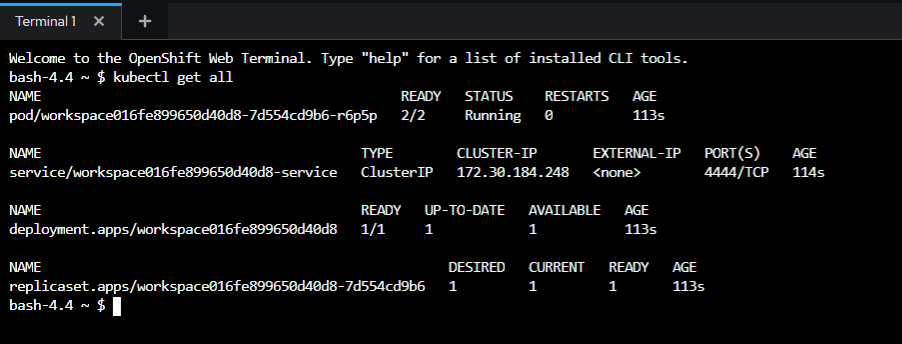
Finally you should have an open terminal. You can run a command like kubectl get all to verify you’re connected and get more information about the resources in your namespace.