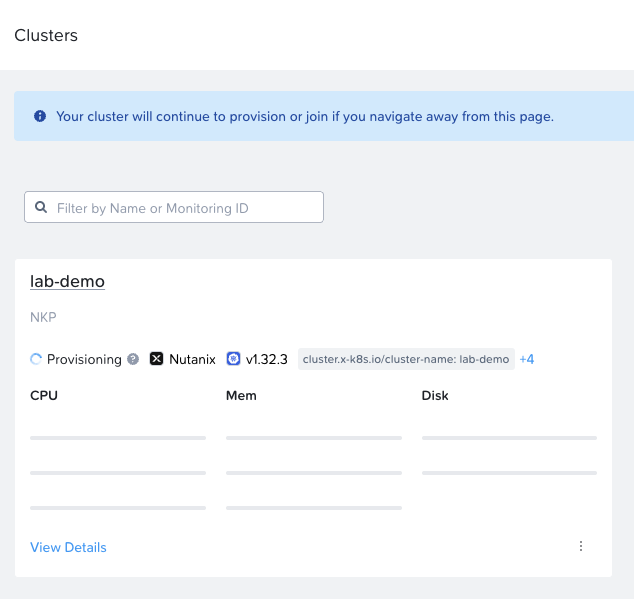
Deploy a cluster
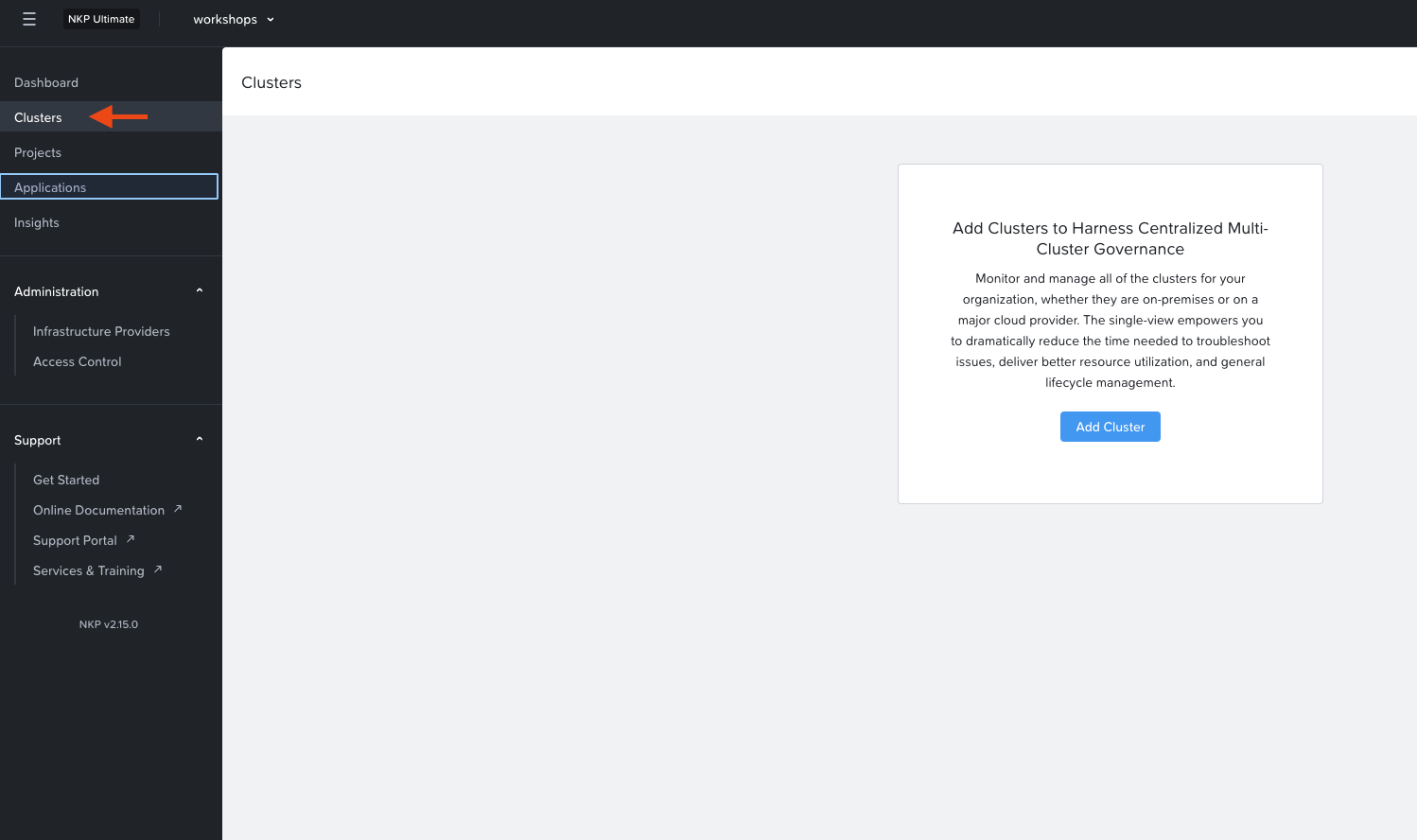
Browse to the list of clusters
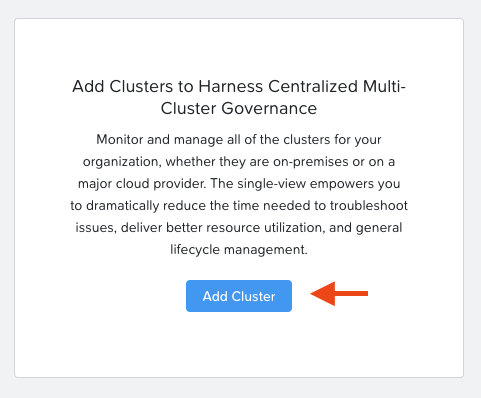
Open the add a cluster dialog
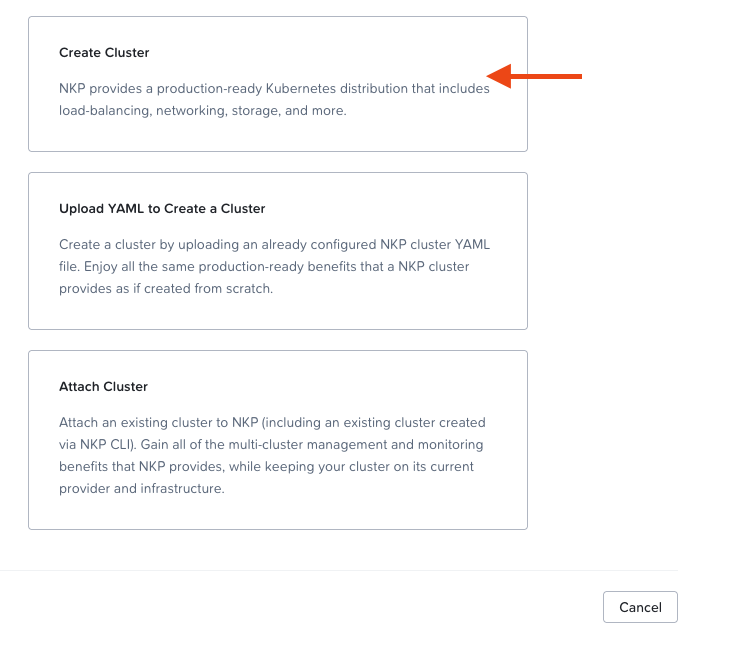
Create a cluster using the wizard
Set the following values:
- Cluster Name: whatever you like
- Control Plane -> Nutanix AOS Cluster: awaykit
- Control Plane -> Subnet: fdlabs
- Control Plane -> Control Plane Endpoint IP: provided by lab lead
- Control Plane -> Control Plane Node Count: 1
- Worker Node Pool -> Worker Node Count: 1
- Storage -> Nutanix Storage Container: default-container-60506234203488
- Networking -> Pod Network: 172.16.0.0/16
- Networking -> Service Network: 172.17.0.0/16
- Networking -> Kubernetes Service Load Balancer Starting IP: provided by lab lead
- Networking -> Kubernetes Service Load Balancer Ending IP: provided by lab lead
Monitor the cluster deployment